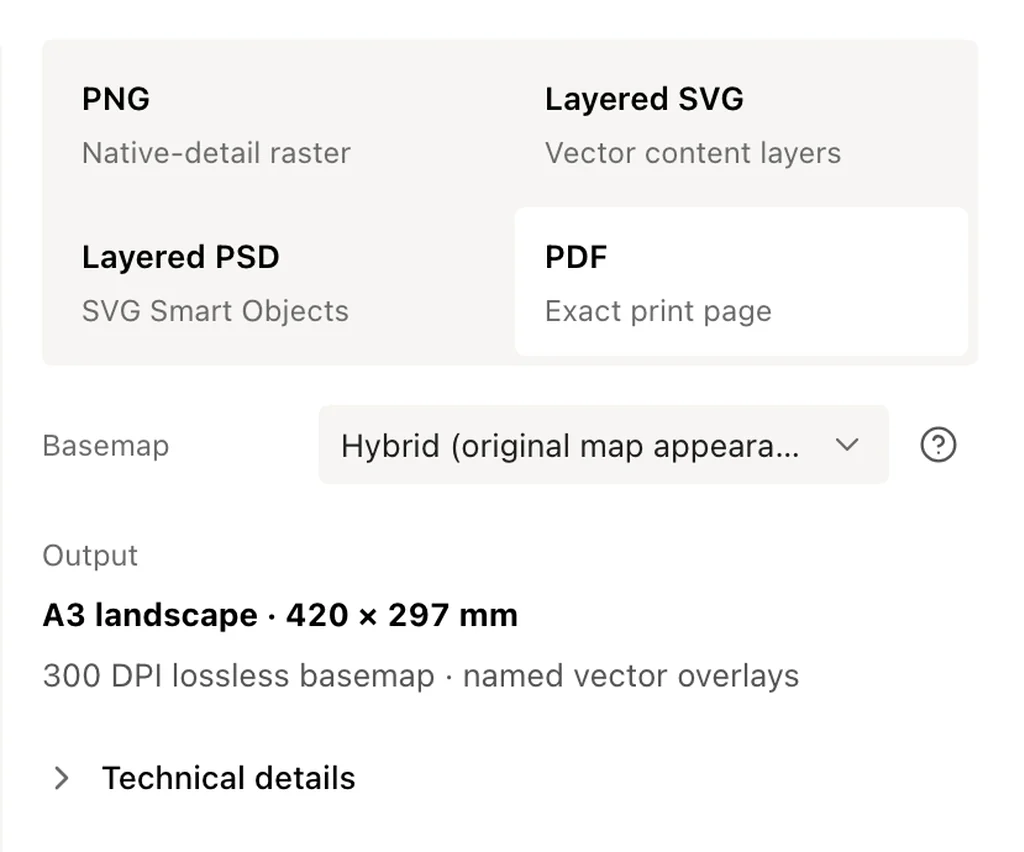
Export a map as PNG, PDF, layered SVG or layered PSD.
Download a 300 DPI PNG, an exact-size PDF, an editable SVG or a layered PSD. Every export is made in your browser with no account or watermark, and the same project can also become a map video or a 3D model.
PNG downloads the complete map as one 300 DPI image at the page size you chose. The DPI is written into the file, so InDesign, Word or a print shop RIP opens an A3 export as a 420 × 297 mm image without any resizing.
Choose PNG when you want a file that is easy to place and share. A single PNG goes up to 50 × 70 cm, and A1 or 24 × 36 in posters stream straight to disk in Chrome and Edge. There is no watermark.
High-resolution image
Selected page size
Easy to place and share
Ready for print layouts
Download the map inside the print frame.The PNG includes the map, routes, places, and shapes shown inside the selected page.
PDF for exact-size printing
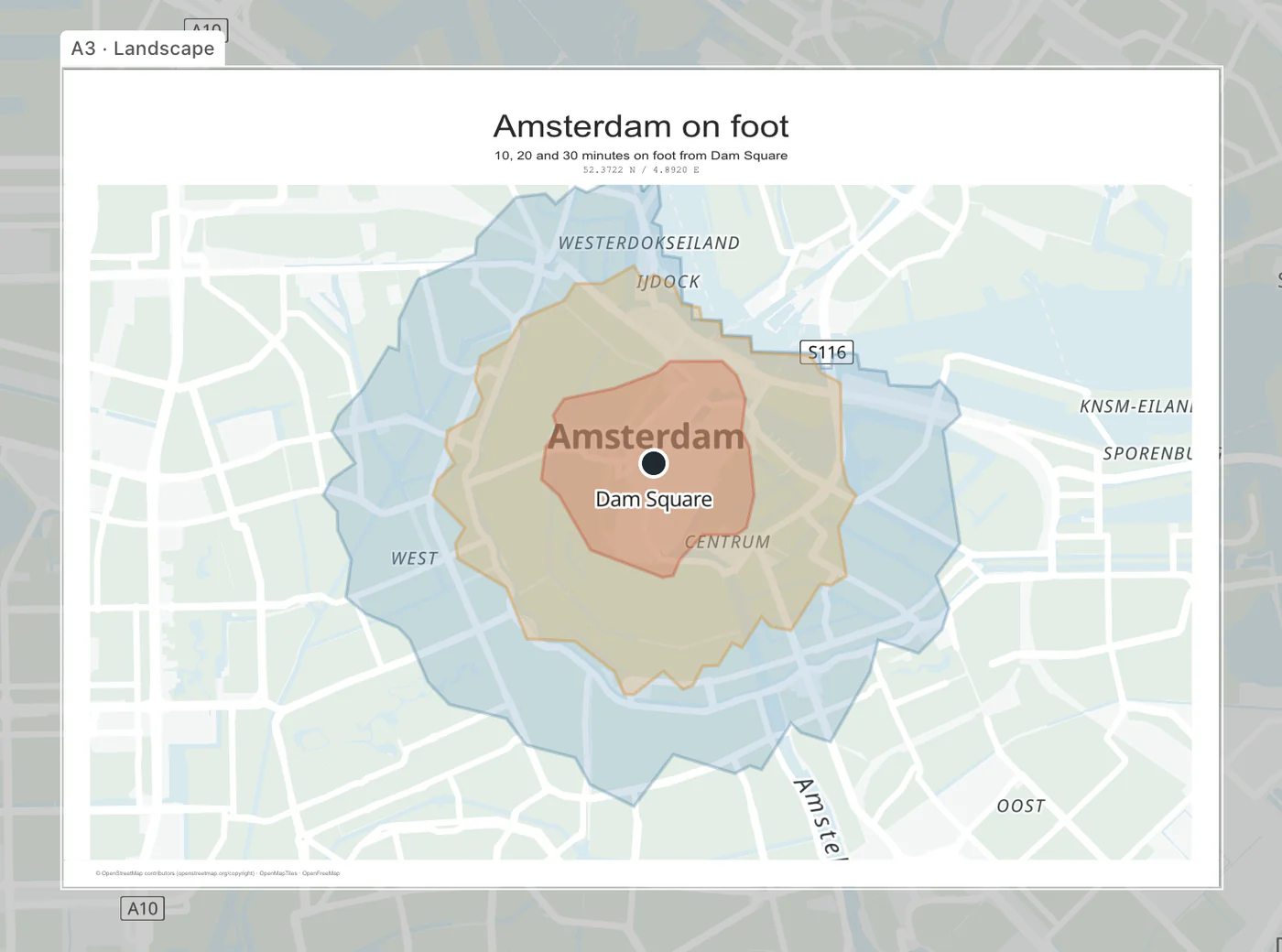
PDF keeps the physical page size you set in the editor. The basemap is rendered at 300 DPI, while routes, markers, shapes and poster text stay as vectors, so they print crisp at any size up to A1.
Choose PDF for print shops, reports, brochures, or any layout that must keep exact dimensions. Most online printers accept it as is, and the map print size guide covers margins and bleed.
Exact page dimensions
Sharp routes and markers
Opens in PDF readers
Ready to print
Confirm the page size before downloading.The PDF summary shows the selected orientation and physical dimensions.
Layered SVG for flexible editing
Layered SVG keeps routes, markers and shapes in named groups. Open the file in Illustrator, Inkscape or Affinity Designer to recolour, hide or move them.
On a flat map you can also switch the basemap to vector artwork, with roads, water and labels as editable paths and text. That is the option to pick when a designer wants to restyle the map itself.
Named content groups
Edit route and marker colours
Hide or move content
Works in SVG editors
Layered PSD for Photoshop
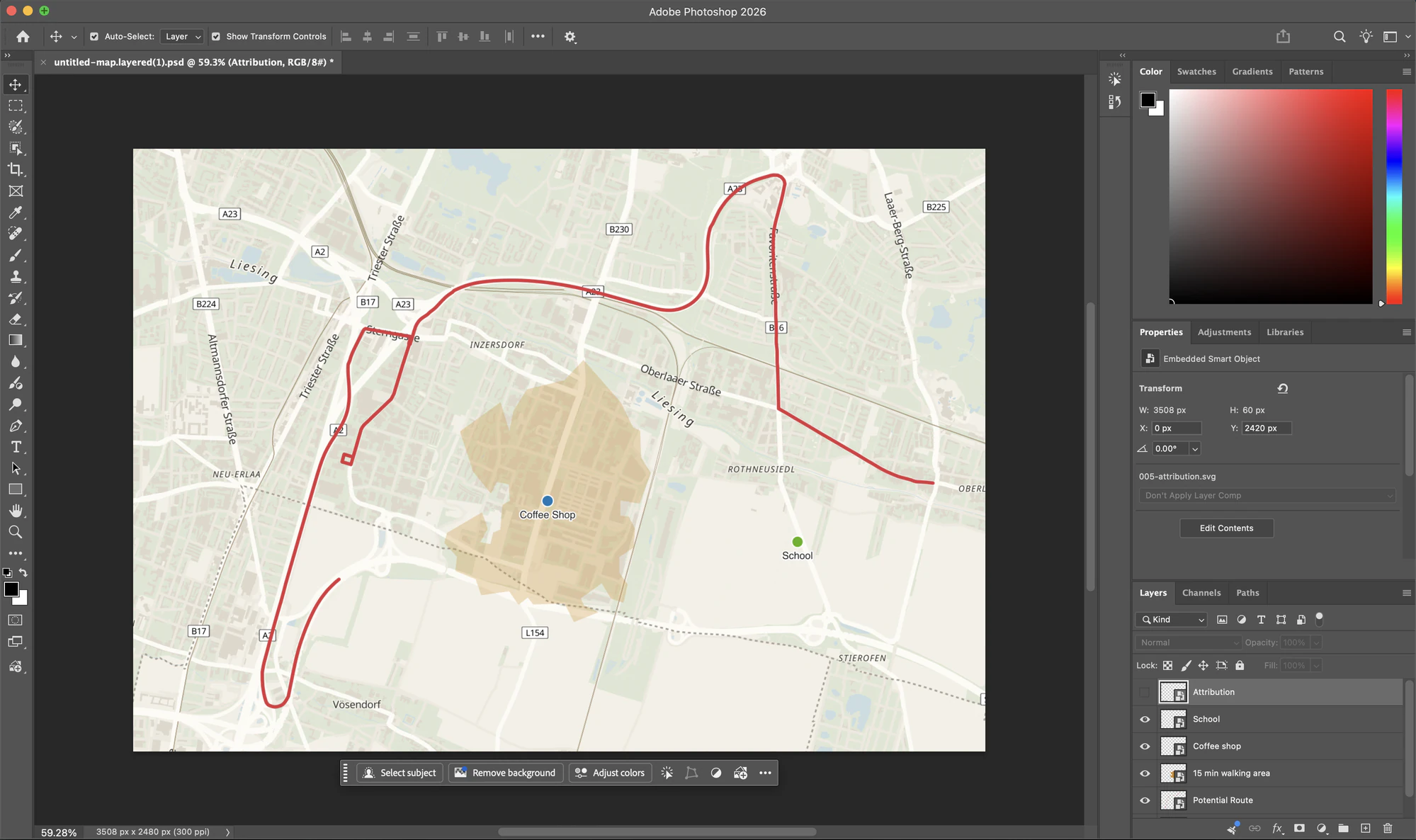
Layered PSD opens as an organised Photoshop document. Routes, places, shapes and the map credit arrive as separately named Smart Objects over the basemap, so they are easy to find and adjust.
PSD files are rendered at 300 DPI up to A4 and US Letter. On larger pages the exporter picks a resolution that keeps the layered file responsive in Photoshop and shows it before you download.
Photoshop-ready
Named content layers
Smart Objects
Separate map elements
Design the map in Print Map Studio, then open the layered PSD in Photoshop with routes, places, areas, attribution, and the basemap kept separate.
Export without uploading your project
Print Map Studio builds each file in your browser and downloads it directly, with no account and no queue. Your map, photos and imported tracks stay on your device, and every format is free at every page size; the Printmaps.net comparison shows how that differs from per-map licensing.
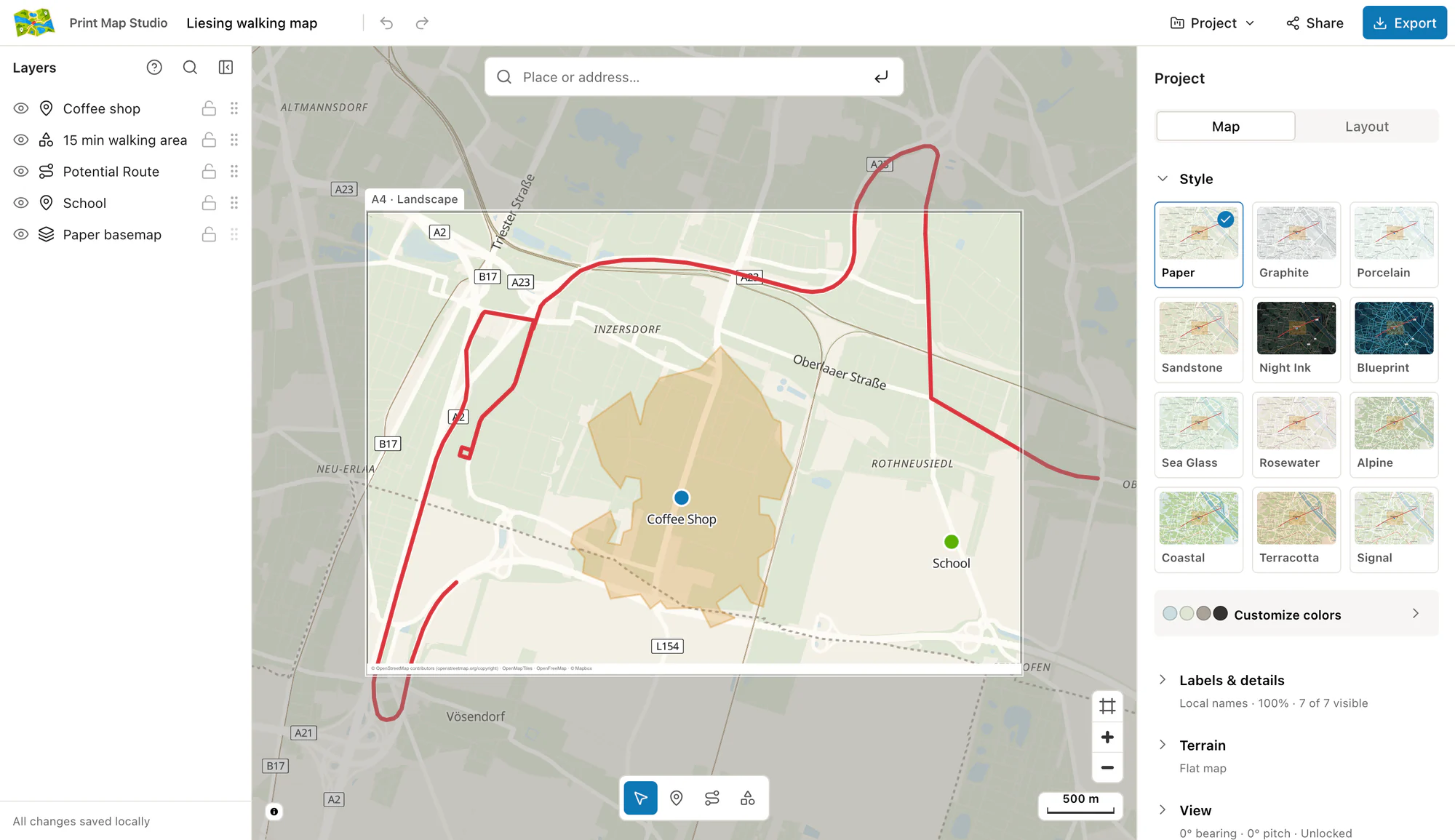
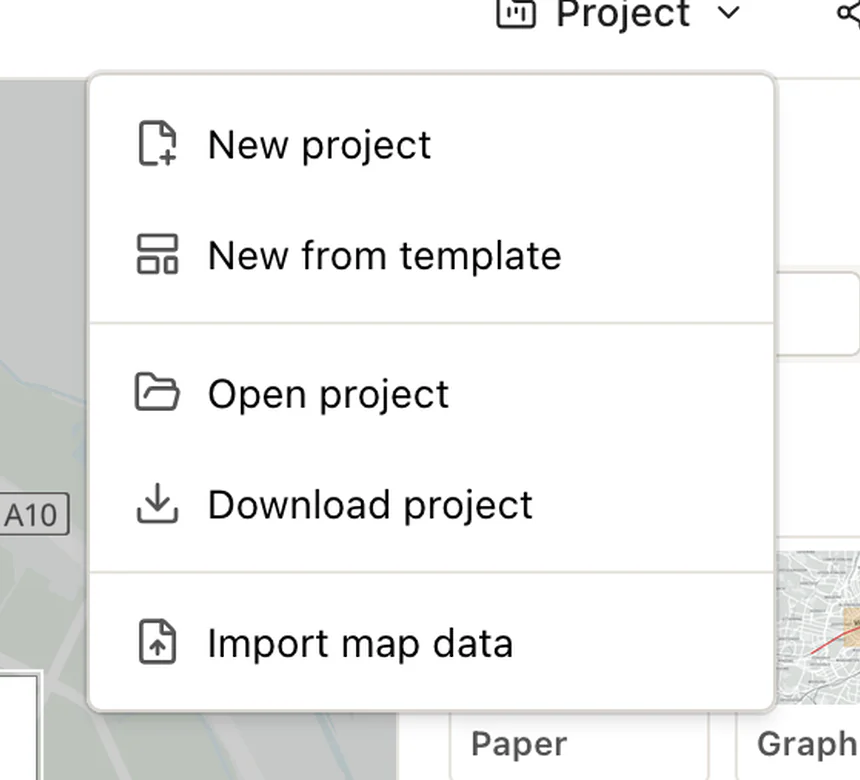
Download the project file too, as a .printmap.json or .printmap.zip, if you want to come back and change the map later. To show the map to someone without exporting, share a read-only link.
Stays in your browser
Direct download
No account
Save for later
Save the project for later edits.Use the Project menu to download a copy that you can open again.
Video and 3D model exports
The Export dialog has two more tabs next to Print. Video records the poster as an MP4 with an orbit or sway camera move, 5, 10 or 15 seconds long at 30 or 60 fps, in the page shape or in 16:9, 9:16, 1:1 or 4:5 for social posts. It records in Chrome, Edge and Safari; the map video guide covers the camera moves.
3D model turns the terrain inside the print area into an STL file for a 3D printer, sized in millimetres, with an optional raised ridge along your route.
MP4 map video
STL terrain model
Route ridge option
Direct download
Ready to start?
Open the editor and export your first layered file.
Choosing a format, editing after export and the map credit.
Which export format should I choose?
Choose PNG for a finished image, PDF for exact-size printing, SVG for editing in a vector design tool, or PSD for an organized Photoshop file.
Can I edit the map after exporting?
Yes. Choose layered SVG or layered PSD when you want routes, places, and shapes kept in separate named groups or Smart Objects.
Does PDF keep the page size I selected?
Yes. PDF preserves the physical page dimensions set in the editor, including standard and custom page sizes.
Which apps open each format?
PNG opens in any image or layout tool, PDF in any PDF reader, layered SVG in Illustrator, Inkscape or Affinity Designer, and layered PSD in Photoshop.
Where are export files made?
In your browser. Each file is generated on your device and saved straight to your downloads folder.
Is the map data credit included?
Yes. Every export prints a small credit for OpenStreetMap, OpenMapTiles and OpenFreeMap in the bottom margin, which covers the attribution the map data licence asks for.