Print Map Studio
Share and embed

Share a map with a link, or embed it on your site

Send a read-only link to anyone, paste an iframe into a blog post or a booking page, and print a QR code that opens the location. The whole design travels inside the link, so there is no account to set up and nothing to upload.

  • Read-only links
  • Iframe embed code
  • Location QR on prints
  • No account
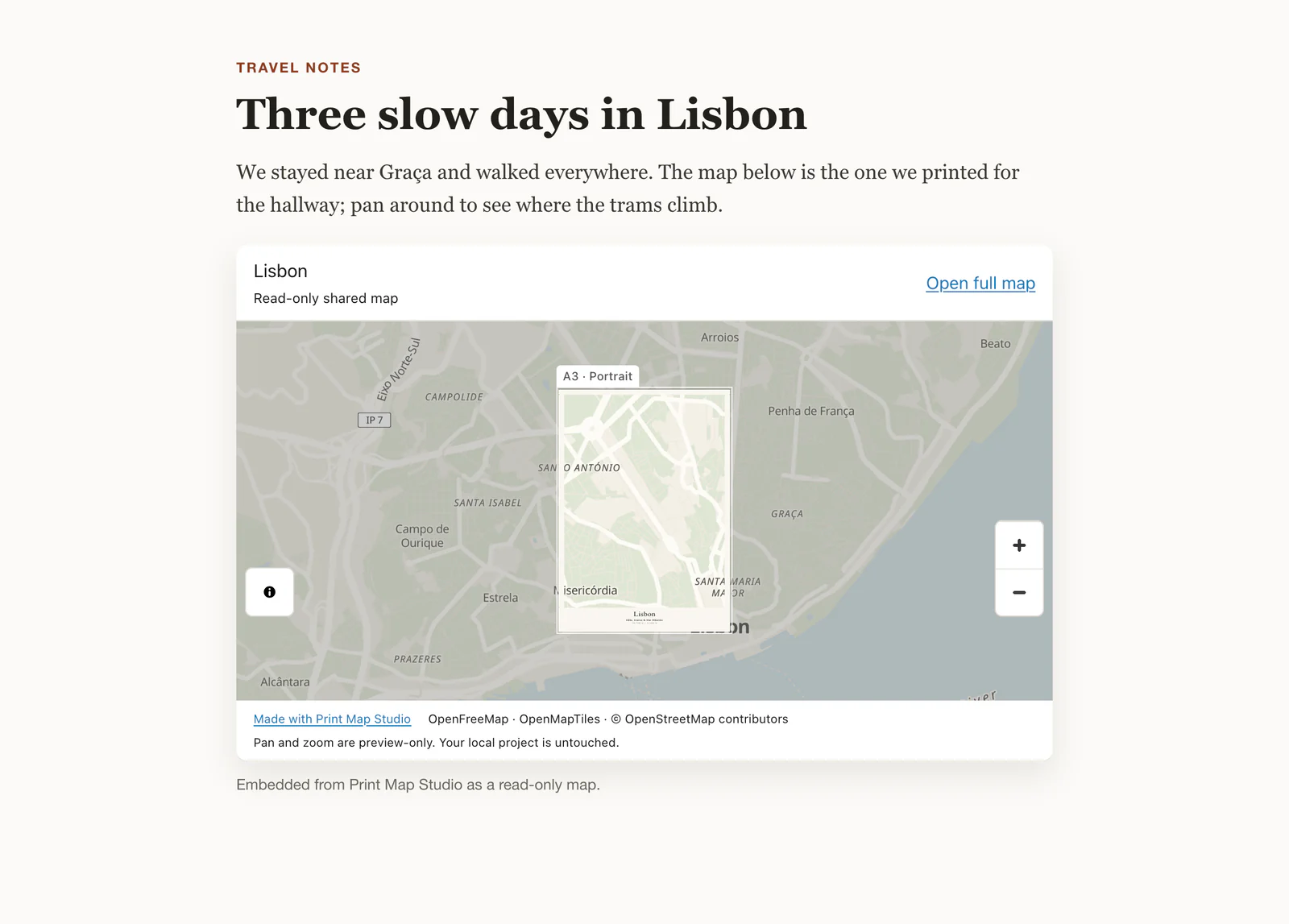
A blog post with a read-only Lisbon map embedded through an iframe

Embed the map on a website

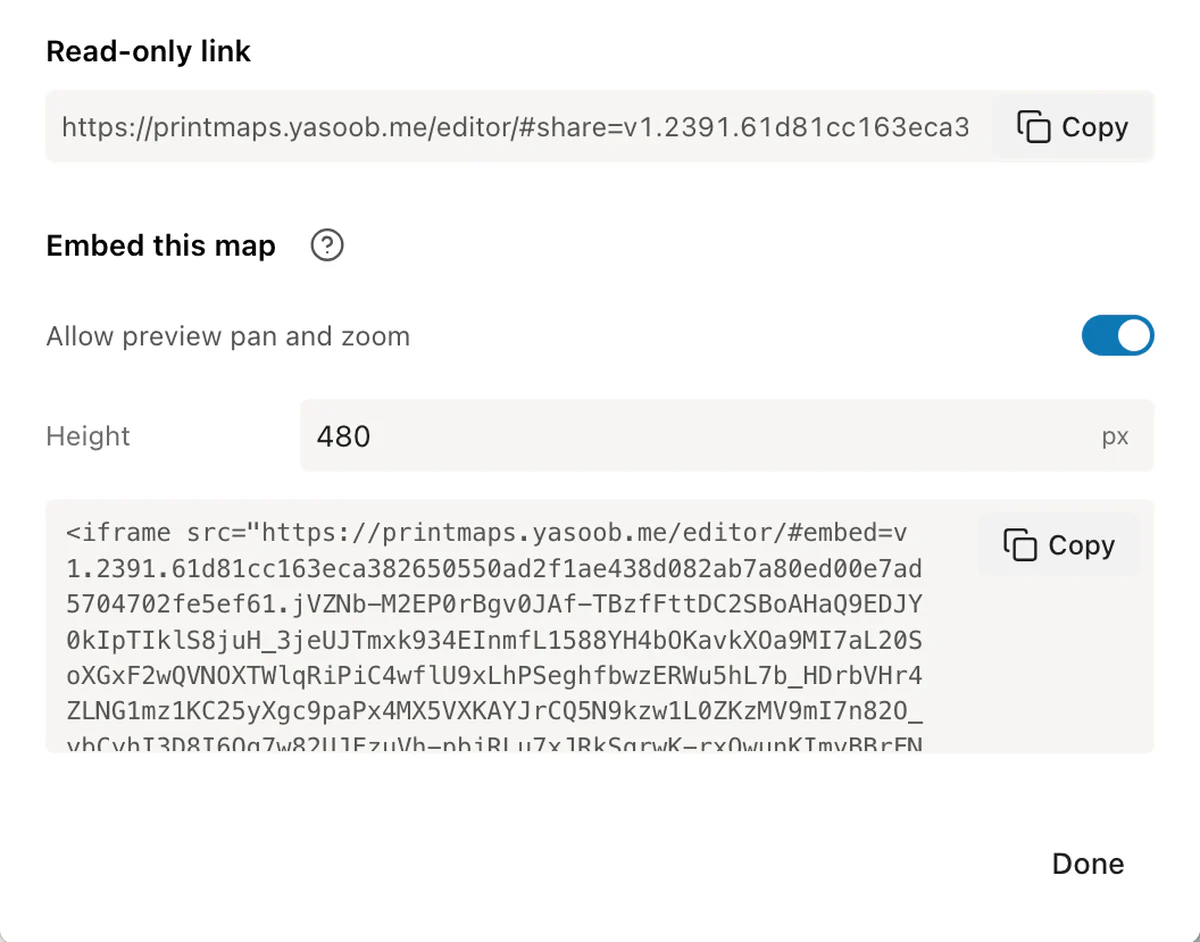
Under Embed this map, set the height, decide whether visitors can pan and zoom, then choose Copy embed code. You get a single iframe that works on any page that accepts HTML, such as a WordPress Custom HTML block or a Squarespace code block. Here is what each part of it does.

width="100%"
The map fills the column it sits in, so the same code works in a narrow sidebar and a full-width article.
height
Starts at 480 pixels and accepts anything from 240 to 2000. Around 400 to 500 suits a blog post; a tall portrait poster reads better at 700 or more.
loading="lazy"
The browser loads the map when a reader scrolls near it, so the rest of your page appears first.
referrerpolicy="no-referrer"
The embedded map is not told which page it sits on.
allowfullscreen
Readers can open the map full screen.
Allow preview pan and zoom
Switched on, readers can explore the map inside the frame. Switched off, the framing stays exactly as you designed it, which suits a poster-style embed.

Put a QR code on the printed map

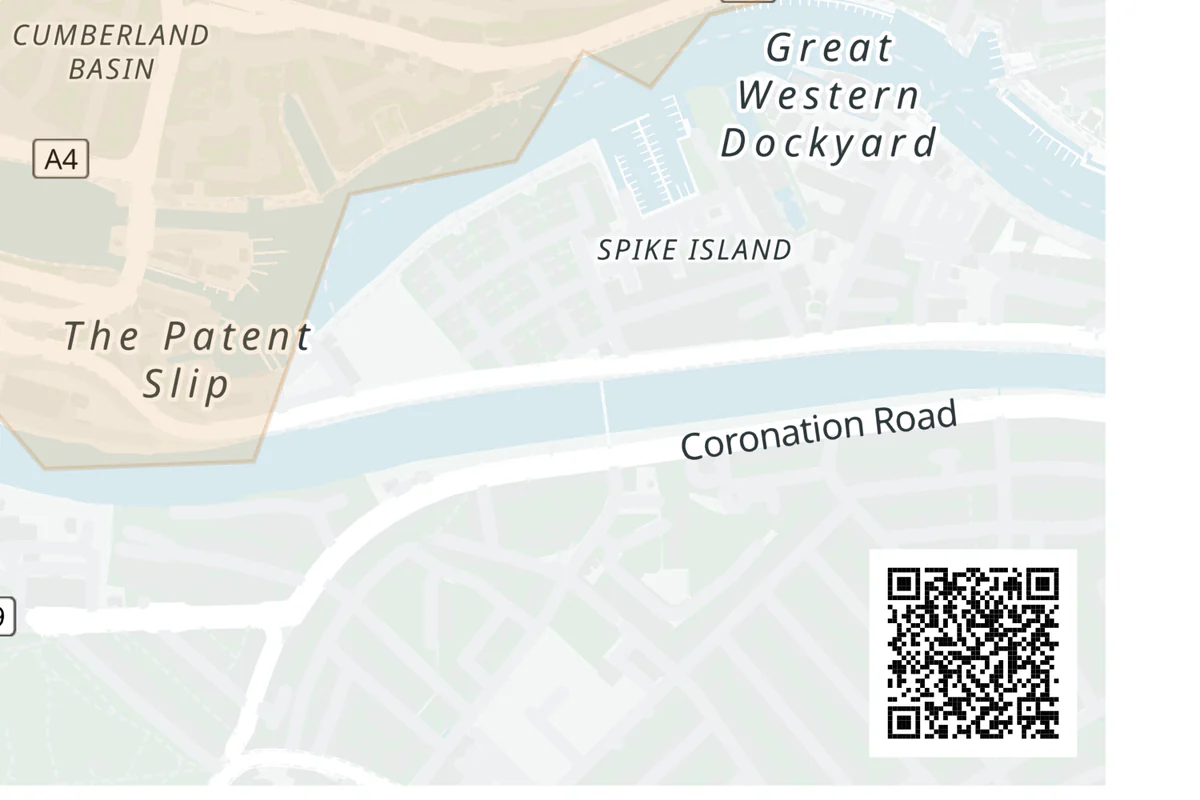
Location QR in the Layout tab adds a scannable code to any corner of the page. Scanning it opens Google Maps at the map centre or at a place you choose, which helps on wedding invitations, property flyers and event posters where guests need directions.

Size the code for the distance people will scan from. A common rule is to make the code at least a tenth of the scanning distance: 20 mm for a flyer held about 20 cm away, 40 mm for a sign read from 40 cm, and the full 60 mm for a noticeboard across a corridor. The editor draws a white quiet zone around the code, so phones read it on dark map styles too.

Print one test page at 100% scale and scan it with two different phones before the full run.

  • Location QR code
  • Map centre or a place
  • 16 to 60 mm
  • Prints with the poster
Corner of a printed map with a scannable location QR code
The QR code prints with the poster.Pick a corner and a size, then choose the map centre or a place as the destination.

Ready to start?

Make a map worth sharing.

Open the editor

Common questions.

Links, embeds, QR codes and who can see what.

Do people need an account to open a shared map?

No. The link opens in any modern browser and shows the map straight away.

Does a share link update when I edit the map?

Each link is a snapshot of the design when you copied it. Copy a new link after editing and send that one; earlier links keep showing the version they were made from.

Can someone change my original map?

Remix this map opens a separate copy in their browser. Your own project stays in your browser storage, exactly as you left it.

Where does the QR code point?

To Google Maps, at the map centre or at a place you pick in the Layout tab.

How do I embed a map in WordPress?

Copy the embed code from the Share dialog and paste it into a Custom HTML block. The iframe sizes itself to the width of your content column.