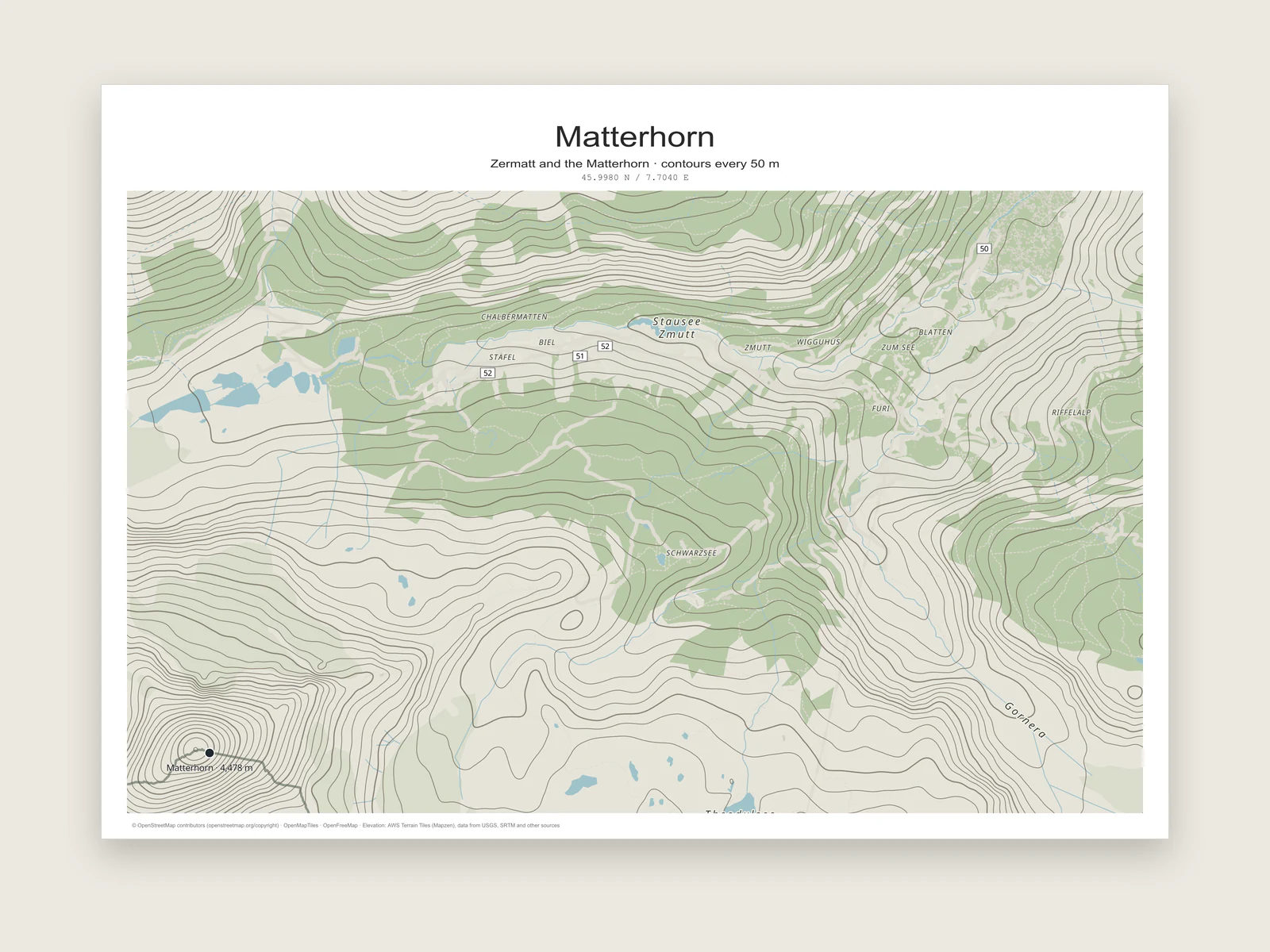
Contours drawn from real elevation data
Turn on Elevation contours in the Terrain section of the Map tab and the editor draws isolines from global elevation tiles. Every fifth line is an index contour, drawn 1.6 times thicker so you can count height bands at a glance.
You choose the interval, the line colour and the line width. The default is a warm grey at 100 m, which sits well on most light map styles. Contours appear from zoom 5, so they work for a whole mountain range as well as a single summit.
The elevation data comes from AWS Terrain Tiles (Mapzen), built from USGS, SRTM and other sources. When contours or terrain are on, that credit is added to the printed map credit in the page margin for you.